Click on the fretboard icon from the top navigation bar to view the fretboard dispaying the chord notes and the current tuning. You can swipe up and down to scroll through the fretboard.
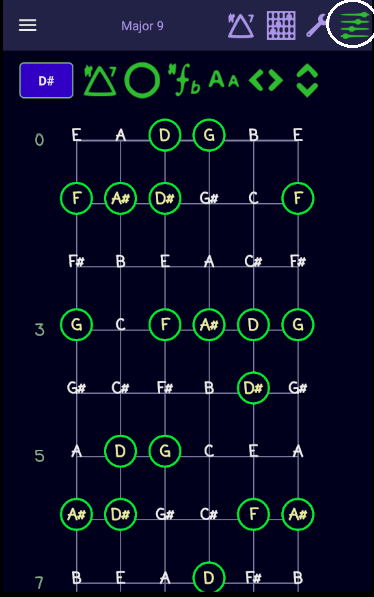
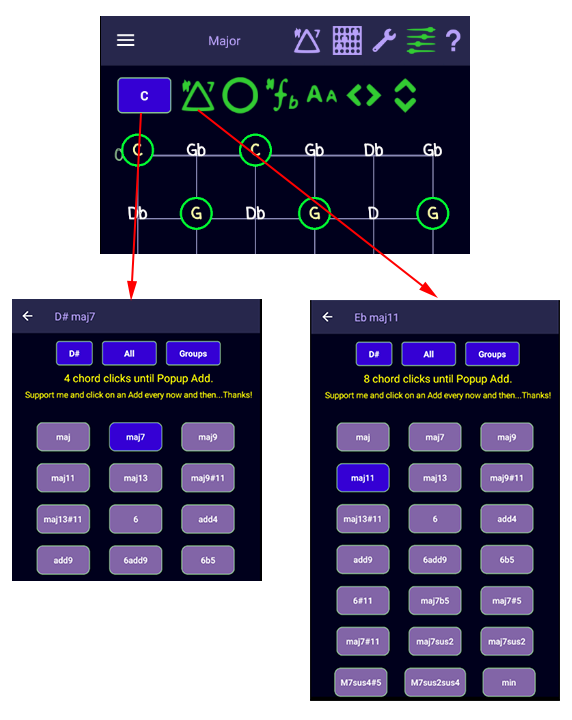
You can change the Root Note and Chord from here or the Chords page.
You can increase or decrease the fretboard length by using the arrow key.
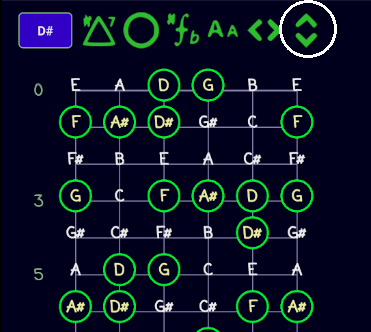
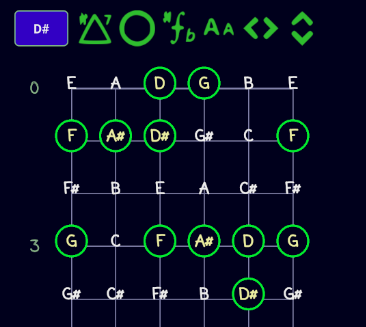
You can increase or decrease the fretboard width by using the other arrow key.
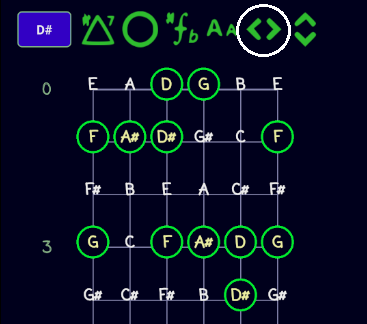
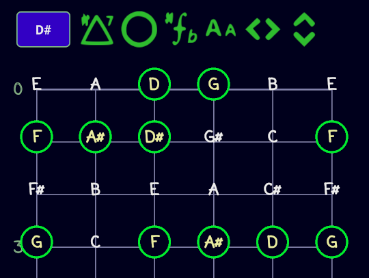
You can change the size of the font displayed on the Fretboard using the "Aa" icon.
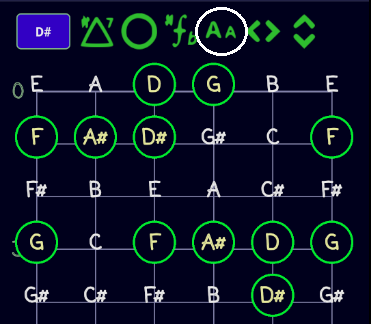
Click on the Annotation icon to cycle thru the annotation options just like on the TABS page
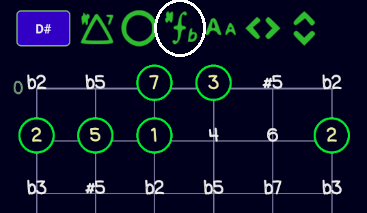
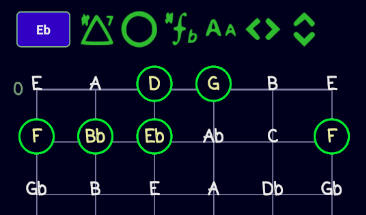
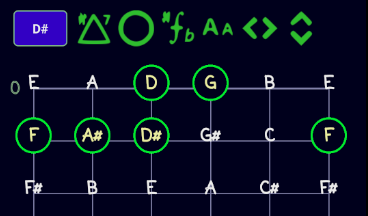
The chord note can be displayed in 4 different ways. Click on the Circle icon to cycle through each one.
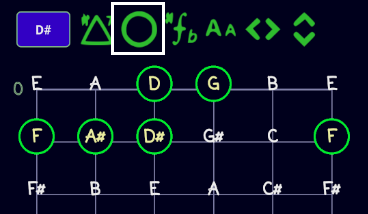
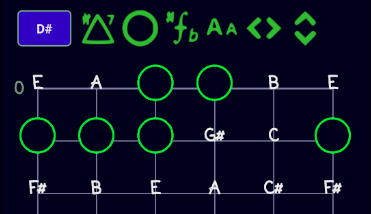
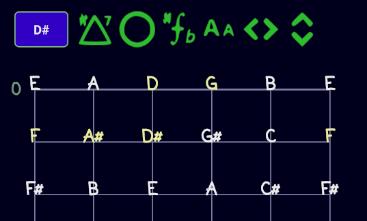
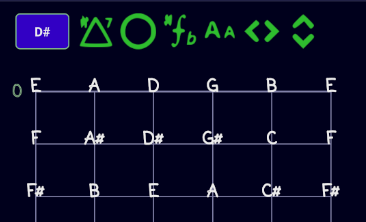
You can change the Root Note or Chord directly from the Fretboard. This will automatically update the Chord page and the Tab page.
